

Introduction|
A simple, practical breakdown to help you choose a reliable laptop for home use. This guide highlights the top laptops for everyday needs including work, browsing, online classes, streaming, and light productivity.
On average, a good home laptop today should offer 8–16GB RAM, SSD storage, 10–12 hours battery life, and a lifespan of 4–6 years if maintained well. If your current laptop struggles with multitasking, takes long to boot, or freezes often, it may be time to upgrade, especially if you’re considering one of the Best Battery Laptops (2025 Guide).
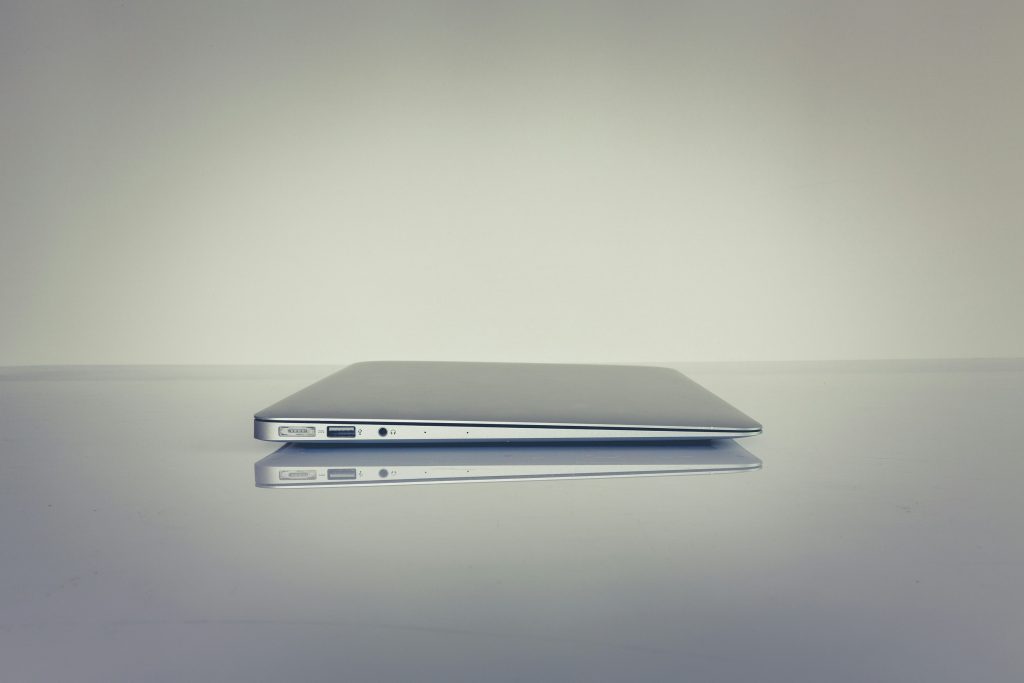
1. Best Laptops to Buy for Home Use in 2025
A solid everyday laptop should offer smooth performance, good battery life, and updated hardware.
In 2025, models powered by Intel’s 14th Gen processors, AMD Ryzen 7000 series, or Apple M3 chips perform best for home tasks.
Top picks:
- Apple MacBook Air M3
- ASUS Vivobook 15
- HP Pavilion 14
- Lenovo IdeaPad Slim 5
These deliver strong value, quiet performance, and long battery life.
2. How Much RAM Do You Need for a Home Laptop in 2025?
For home use:
- 8GB RAM = basic tasks (browsing, YouTube, documents)
- 16GB RAM = smooth multitasking and long-term value
- 32GB RAM = only for heavy workloads
In 2025, 16GB is the sweet spot for most families, offering smooth performance for streaming, browsing, schoolwork, and light multitasking. For anyone planning to store large files or run heavier apps, you can also follow the How to Get More Storage on a Laptop | Complete Guide (2025) for easy upgrade options.
3. How Many GB Should a Good Laptop Have?
For comfortable everyday use:
- Storage: At least 256GB SSD
- RAM: 8–16GB
SSD reduces boot time from 40–60 seconds (HDD) to 5–8 seconds.
4. What’s the Best Time of Year to Buy a Laptop?
The highest discounts usually appear during:
- Black Friday
- Back-to-School season (July–September)
- New Year tech sales
Average savings range from 15% to 35%.
5. Is SSD or HDD Better for Home Use?
Always choose SSD.
- SSDs are 8–10× faster
- Consume 40% less power
- Last longer due to no moving parts
HDD is outdated for home laptops.
6. What Is the Average Lifespan of a Home Laptop?
A good laptop lasts about 4–6 years with proper care.
MacBooks and business laptops like Lenovo ThinkPad often last 6–8 years.
7. How Often Should You Replace a Laptop?
Consider upgrading when:
- Boot time becomes very slow
- Apps freeze
- Battery backup falls below 1 hour
- It no longer supports new software updates
Most users replace their laptop every 5 years.
8. Which Laptop Brand Is the Most Reliable in 2025?
Based on global surveys:
- Apple – best long-term performance
- Lenovo – strong reliability for work and home
- ASUS – best value
- HP – better budget options
Failure rates for top brands average 5%–12% per year.
9. Which Brand Is Ranked No. 1 in Laptops This Year?
For 2025, overall ranking:
- Apple (best performance + battery)
- Lenovo (balanced + durable)
- ASUS (value + features)
- Dell (productivity + build quality)
10. Is HP or Lenovo Better for Everyday Use?
- Lenovo: better build quality and durability
- HP: more budget-friendly options
For long-term home use, Lenovo is usually more reliable thanks to its stronger build quality and longer average lifespan. If you ever plan to game on the same device, you can check the Lenovo Laptop for Gaming (2025 Guide) for performance-focused options.
11. How Much Should You Pay for a Home Laptop in the UK?
💻 Recommended Home-Use Laptops + Approx Price in PKR
| Laptop | Use-Case / Strength | Estimated Price Range (PKR) |
|---|---|---|
| ASUS Vivobook 15 | Everyday use — browsing, docs, streaming | ₨ 95,000 – ₨ 125,000 |
| HP Pavilion 14 | Student work, office tasks, light multitasking | ₨ 100,000 – ₨ 130,000 |
| Lenovo IdeaPad Slim 5 | Balanced performance + battery for home & study | ₨ 110,000 – ₨ 140,000 |
| Apple MacBook Air (M3) | Long battery, smooth OS, strong performance | ₨ 240,000 – ₨ 290,000 |
| Entry-level Windows laptop (budget model) | Basic tasks, browsing, MS Office | ₨ 80,000 – ₨ 100,000 |
12. What Operating Systems Are Dominating in 2025?
Market share:
- Windows 11 – 68%
- macOS – 22%
- ChromeOS – 8%
Windows dominates home use due to affordability and app compatibility.
13. Is a 10-Year-Old Laptop Still Good for Home Tasks?
Usually no.
Older laptops struggle with:
- Modern browsers
- HD/4K videos
- Windows 11 requirements
- Battery degradation
A decade-old laptop delivers up to 80% slower performance compared to modern entry-level models.
14. Is 32GB RAM Overkill for Home Use?
Yes, for regular home users.
32GB is only needed for:
- Video editing
- 3D software
- Large simulations
For home tasks, 16GB is plenty.
15. Does Higher RAM Make a Laptop Faster for Daily Tasks?
Yes — up to a limit.
8GB → 16GB shows 30–45% improvement in multitasking.
16GB → 32GB shows almost no improvement for everyday use.

Final Thought
Choosing the right home laptop doesn’t have to be complicated. Focus on performance basics: SSD storage, 8–16GB RAM, a modern processor, and a battery that lasts through your day. With these core features, your laptop will stay reliable for years. If your current system takes too long to respond or struggles with simple tasks, upgrading now will save you time and frustration. For creative users, you can explore the Best Laptops for Graphic Design in 2025 | The Ultimate Guide to find models built for smooth editing, rendering, and color-accurate work.
FAQs
1. Is 8GB RAM enough for home use in 2025?
Yes, but 16GB is smoother for multitasking and long-term performance.
2. How long does a laptop battery last on average?
Most home laptops offer 8–12 hours on a full charge.
3. Are touchscreen laptops good for home use?
They are convenient for browsing and entertainment, but slightly more expensive.
4. What screen size is best for home use?
14–15.6 inches is the ideal balance between portability and comfort.
5. Does a laptop need a graphics card for everyday home tasks?
No, integrated graphics are enough for browsing, streaming, and study use.